 BlueGit










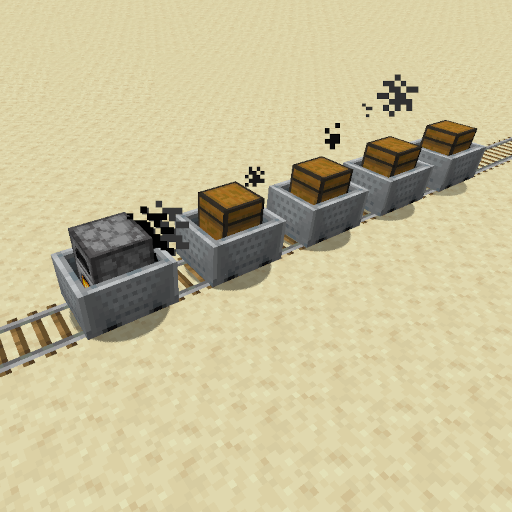 Minecart Trains
Introducing Minecart Trains! Experience a whole new level of immersion as you connect minecarts together, transforming them into powerful and efficient trains.
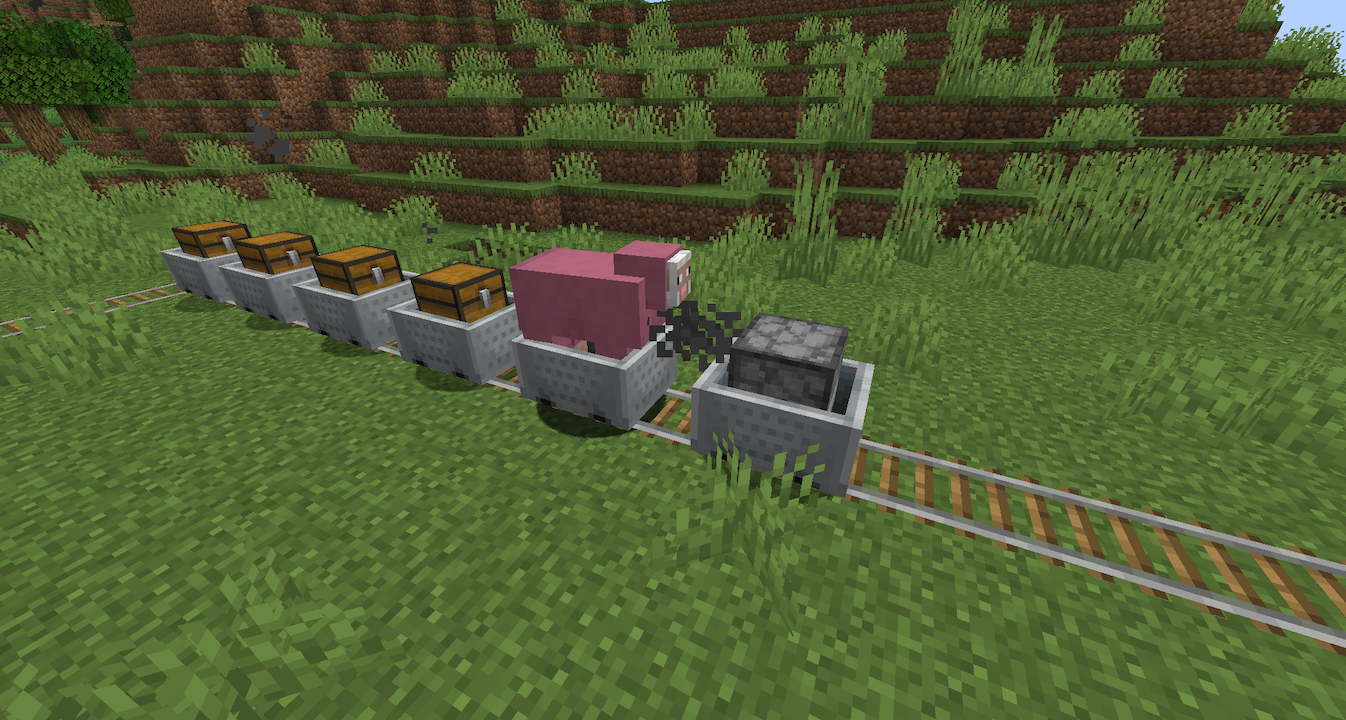
Features:
- linking minecarts to form a train
- freezing furnace minecarts with non-powered booster rails (to stop trains)
- minecarts at high velocity kill mobs on the track (configurable)
- arrows can't destroy minecarts (configurable)
- coal carts which the furnace cart will refuel from
- fuel consumption of the furnace minecart is configurable
- highspeed tracks inspired by hsrails (only on adapted railways)
How it works:
Coupling:
The standard coupling tool is the chain. With this you click on two minecarts one after the other. The second one will follow the first one. With a train you work your way through from front to back. (I am working on making the order irrelevant).
Coal Carts:
Furnace minecarts will, if already going, refuel from a coal cart nearby. Coal carts can be crafting with a minecart and a coal block. Coal carts will only interact with hoppers to refill but only coal and charcoal.
What is planned:
- safe chunk unloading
- auto. chunk loading
- making the linking order irrelevant
- some kind of fuel gauge
What is not (yet) possible:
- trains that push backwards (w.i.p.)
- trains going around 2x2 curves
Dependencies
- PuddingAPI (plugin jar) (source)
Relevant Links
- modrinth: https://modrinth.com/plugin/minecart-trains
- bStats: https://bstats.org/plugin/bukkit/Minecart%20Trains/18918
How to Build
If you are looking to make changes, then you'll need to get both a JDK 17 and Maven installed on your computer. I recommend just using an IDE like Intellij IDEA or Eclipse.
Building Pudding API
If only want to make changes to main-branch of MinecartTrains you can just download the latest (PuddingAPI jar) from Modrith.
If you want to make changes to a dev-branch of MinecartTrains you might need to download the latest (PuddingAPI dev-build) from GitHub.
If you also want to make changes to the PuddingAPI you'll need to have the PuddingAPI source installed. On more information on how to build PuddingAPI look at it's GitHub.
Either way PuddingAPI has to be in the correct sister folder specified in the MinecartTrains pom.xml.
Building Minecart Trains
Once you have Pudding API built and the jar generated, update the puddingapi.jar property in the pom.xml file of the current project, to ensure it points to the jar generated in the 'Building PuddingAPI' section.
Once the pom.xml file has been updated, you can kick off the build:
mvn packageResults will be in the target folder, with base name MinecartTrains. Assuming the current marked release is 2.0.0 (see version value in pom.xml), you'll have the following file:
MinecartTrains-2.0.0.jar
Copy this file over to the plugins folder of your Minecraft server. Also, don't forget to have copied the PuddingAPI jar as well, to your server's plugins folder.
bStats
